Overview
Creating a website has never been easier, thanks to WordPress. Whether you want to build a business website, portfolio, blog, or e-commerce store, WordPress provides all the tools you need without requiring advanced coding skills. Many beginners start their journey by enrolling in a WordPress course to understand the fundamentals and quickly build websites. For those who want deeper knowledge and practical skills, a WordPress Web Development course helps in mastering customization, performance optimization, and advanced features. In this step-by-step guide, you will learn how to create a WordPress website from scratch.
What is WordPress?
WordPress is the world’s most popular Content Management System (CMS) that allows users to create and manage websites easily.
It powers millions of websites globally and is widely used for:
- Business websites
- Blogs
- E-commerce stores
- Portfolio websites
Step 1: Choose a Domain Name and Hosting
🔹 Domain Name
Your domain name is your website address (e.g., www.yourwebsite.com).
🔹 Web Hosting
Hosting is where your website files are stored.
Tips:
- Choose a simple and memorable domain
- Select fast and reliable hosting
Step 2: Install WordPress
Most hosting providers offer one-click WordPress installation.
Steps:
- Log in to your hosting account
- Find the WordPress installer
- Click “Install”
- Set your username and password
After installation, you can access your dashboard at:
yourwebsite.com/wp-admin
Step 3: Choose a Theme
A theme controls the design and layout of your website.
How to Install a Theme:
- Go to Appearance → Themes
- Click Add New
- Search for a theme
- Click Install → Activate
Tip:
Use lightweight themes for better performance.
Step 4: Install Essential Plugins
Plugins add functionality to your website.
Must-Have Plugins:
- SEO plugin (Yoast / RankMath)
- Security plugin
- Cache plugin
- Page builder (Elementor)
Understanding plugin usage is an important part of a WordPress Web Development course, helping you avoid performance issues.
Step 5: Create Important Pages
Every website should have basic pages:
- Home
- About Us
- Services
- Blog
- Contact
How to Create Pages:
- Go to Pages → Add New
- Enter page title
- Add content
Click Publish
Step 6: Customize Your Website
Customize your website using:
- Colors and fonts
- Layout settings
- Header and footer
- Menus and navigation
Tools like Elementor make customization easy, even for beginners learning through a WordPress course.
Step 7: Add Content
Content is the most important part of your website.
Add:
- Text
- Images
- Videos
- Blog posts
Make sure your content is clear, engaging, and SEO-friendly.
Step 8: Optimize for SEO
To rank your website on Google:
- Use proper keywords
- Add meta titles and descriptions
- Optimize images
- Improve page speed
SEO fundamentals are usually covered in a WordPress course, helping you grow website traffic effectively.
Step 9: Make Your Website Mobile-Friendly
Most users access websites from mobile devices.
Ensure your website is:
- Responsive
- Fast loading
- Easy to navigate
Step 10: Launch Your Website
Before launching:
- Check all pages
- Test links
- Fix errors
- Optimize speed
Once everything is ready, your website is live!

Benefits of Using WordPress
- Easy to use
- No coding required (for beginners)
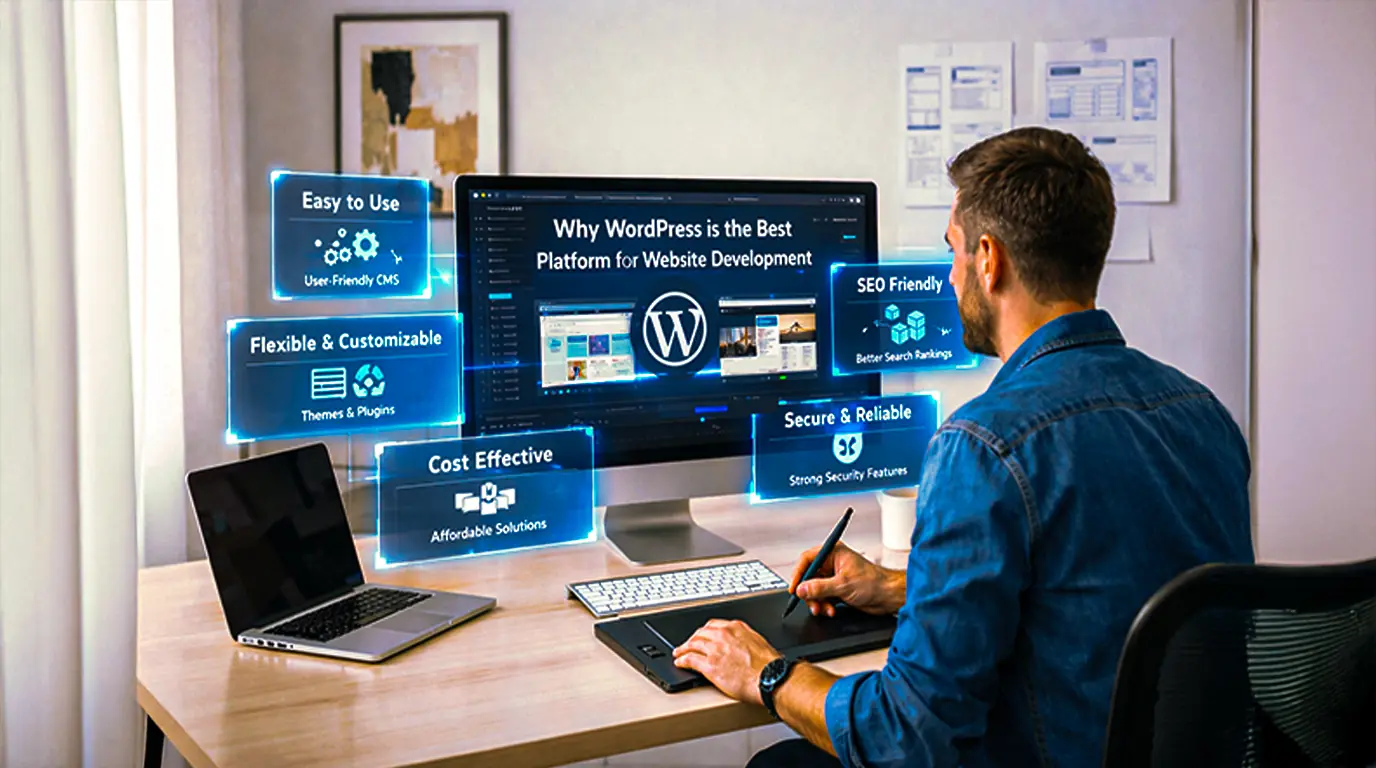
- Highly customizable
- SEO-friendly
- Large community support
Why Learn WordPress?
Learning WordPress opens up many opportunities:
- Create websites for businesses
- Start freelancing
- Build your own online business
- Get a job in web development
Most learners begin with a WordPress course and later advance their skills through a WordPress Web Development course to become industry-ready professionals.
Who Can Learn WordPress?
- Students
- Job seekers
- Freelancers
- Entrepreneurs
- Beginners with no coding knowledge
A structured WordPress Web Development course helps even beginners gain practical experience and confidence.
Conclusion
Creating a website using WordPress is simple, flexible, and highly effective. With the right guidance and practice, anyone can build a professional website from scratch. By enrolling in a WordPress course, you can quickly learn the basics and start building websites. As you progress, a WordPress Web Development course helps you master advanced techniques and become a professional web developer.
- Digital Marketing
- Graphic Design
- MERN Stack
- Python Django
- Technology Trends
- Tutorials
- UI/UX Designing
- UX/UI Design
- Web Designing
- Web Development
- WordPress
- Back
- Python Django Tutorial
- WordPress Tutorial
- Graphic Design Tutorial

Discover why WordPress is the best platform for website development in 2026. This guide explains how learning through a WordPress...

Discover the top benefits of using WordPress for your website, from flexibility and ease of use to powerful customization options....

Discover why businesses prefer WordPress for website development and how it powers modern, scalable, and SEO-friendly websites. This guide also...